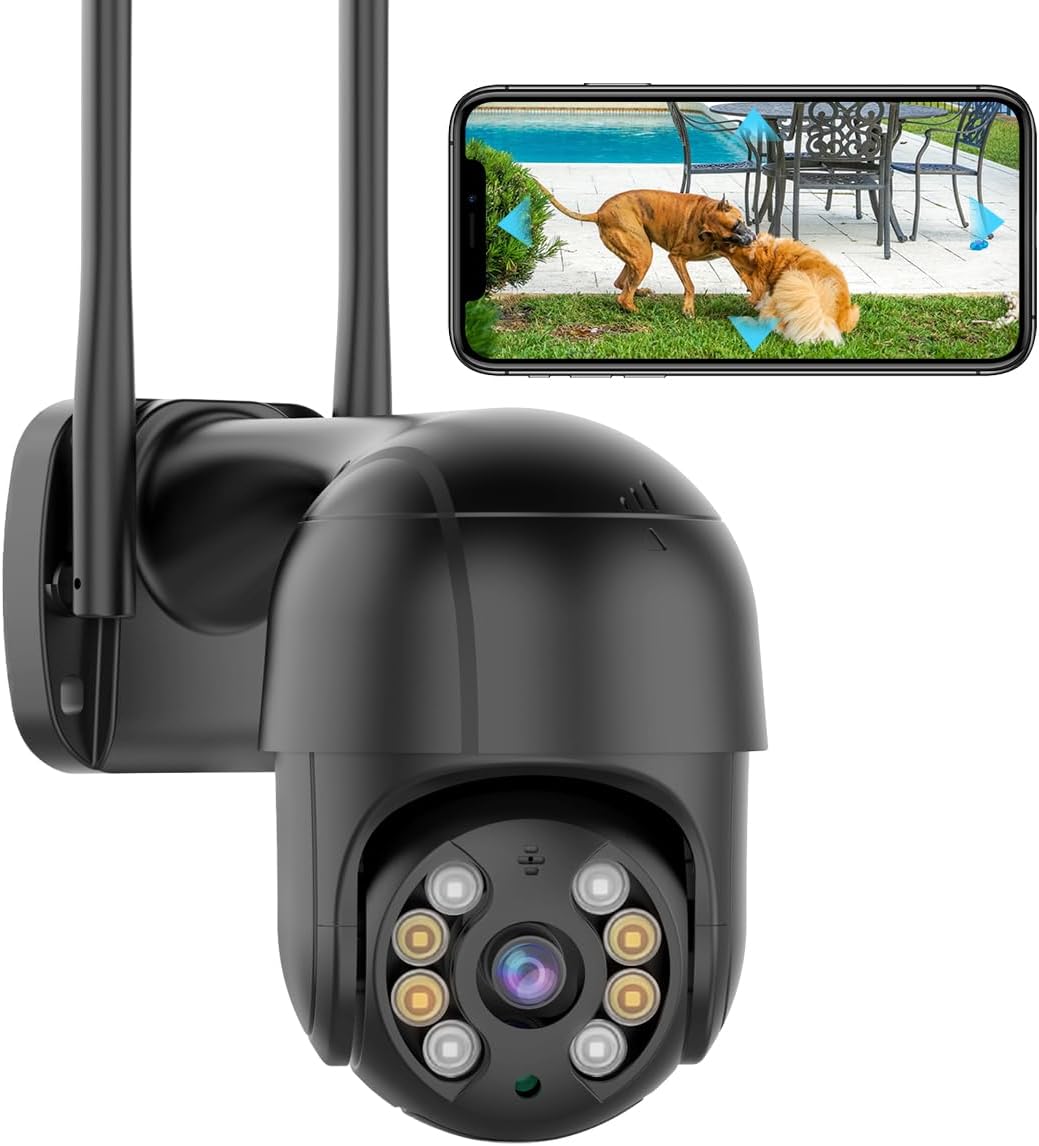
- 3MP · 3 lenses
- Pan & tilt from the app
- Zoom: 8x hybrid
Nearly every iCSee camera keeps its footage on a microSD card inside the housing. The right size, the right type and a format done by the camera itself decide whether that footage is there when you need it.
Reviewed September 2026Most iCSee cameras take a microSD card up to 128GB. Choose a high-endurance card made for continuous video, insert it with the camera off, and format it from the camera's storage settings in the iCSee app. On a single 1080p or 3MP camera, 128GB usually holds several days of continuous recording and weeks of motion-only clips.
Most iCSee cameras list 128GB as their largest card, and that figure is the ceiling to plan around. A bigger card may be refused, or used only in part, because the firmware was built around that limit.
The limit appears on the BESDERSEC A6, the SDTNOVA and GESKS pan-tilt models, the three-lens three-screen PTZ, the solar camera, the bulb camera and the dual-lens PoE PTZ. Where a maker gives no figure, 128GB is the safe assumption.
Speed class rarely decides the right SD card for iCSee camera recording. Even an 8 Mbps stream writes about one megabyte a second, well inside the 10MB/s floor of a Class 10 or U1 card. A U3 card costs more and gains nothing here.
Some cameras arrive with a card. The Anssipo 3-lens includes 32GB, and the 4K dual-screen PTZ and solar camera have versions with one. Swap an included card for a high-endurance 128GB one once the camera is settled.
| Camera | microSD limit | Included or built in | Cloud |
|---|---|---|---|
| BESDERSEC A6 | 128GB | None; snapshots also go to email or FTP | Not stated |
| SDTNOVA dual-lens | 128GB | None | Encrypted cloud, optional |
| GESKS single-lens and 6MP | 128GB | None | Optional |
| Anssipo 3-lens | Not stated | 32GB card | Not stated |
| 4K dual-screen PTZ | Not stated | 32GB with the 8MP version; none with the 6MP | Not stated |
| Solar dual-lens | 128GB | 32GB card with the black 8MP version | Not stated |
| Three-lens three-screen | 128GB | 256GB built in | Paid, optional |
| 4K PoE bullet | No slot listed | None; records to an NVR | Not stated |
Limits and extras as each maker states them. “Not stated” means the maker gives no figure; most iCSee cameras without one still take cards up to 128GB.
Card life in days comes down to one sum: capacity divided by the data the camera writes each second. Resolution, lens count, codec and how busy the scene is all feed into that data rate.
A stream at 2 megabits per second writes about 0.9GB an hour. A 128GB card therefore holds roughly 142 hours, just under six days, of continuous recording from one lens at that rate.
| Card | One stream at 2 Mbps | One stream at 4 Mbps |
|---|---|---|
| 32GB | about 1.5 days | about 18 hours |
| 64GB | about 3 days | about 1.5 days |
| 128GB | about 6 days | about 3 days |
These are sums, not promises. The real rate depends on each camera's quality setting and the scene.
To see your own figure, record continuously for a day, then open the storage screen in the camera's settings. The space used in 24 hours, divided into the card's size, gives the days it will hold before the oldest footage is overwritten. More on how resolution drives the rate is in the resolution guide.
BESDERSEC A6 1080p Pan-Tilt Camera |
SDTNOVA Dual-Lens Linkage PTZ Camera |
Anssipo 3-Lens 8x Hybrid Zoom PTZ Camera |
4K 8MP Dual-Screen PTZ Camera |
Three-Lens Three-Screen PTZ Camera |
HIKJBSET 5MP PoE Bullet Camera | |
| Type | Pan-tilt camera | Multi-lens camera | Multi-lens camera | Multi-lens camera | Multi-lens camera | PoE camera |
| Resolution | 1080p (2MP) | 6MP (3MP + 3MP) | 3MP | 8MP (4MP + 4MP) | 1MP per lens | 5MP |
| Lenses | 1 lens | 2 lenses | 3 lenses | 2 lenses | 3 lenses | 1 lens |
| Pan & tilt | Yes | Yes | Yes | Yes | Yes | No |
| Power | Plug-in adapter | Plug-in adapter | Plug-in adapter | Plug-in adapter | Plug-in adapter | PoE (one cable) |
| Wi-Fi | 2.4GHz | 2.4 + 5GHz | 2.4GHz | 2.4GHz | 2.4GHz | Wired only |
| Ethernet port | — | — | — | — | Yes | Yes |
| Zoom | — | — | 8x hybrid | — | — | — |
| See this camera | See this camera | See this camera | See this camera | See this camera | See this camera |
A new card arrives formatted for computers and phones, not for your camera. The iCSee camera SD card format, done from the camera itself, writes the file system and folder layout the firmware expects; it is the step most often skipped.
Cards up to 32GB come formatted as FAT32; 64GB and 128GB cards usually arrive as exFAT. Most iCSee cameras handle both after formatting in the app. If one refuses a large card, format it to FAT32 on a computer first and then again in the app.
Windows' built-in format window does not offer FAT32 for cards larger than 32GB, so that job needs a dedicated formatting tool. On a Mac, Disk Utility's MS-DOS (FAT) option does the same.
Its 256GB of built-in storage stays inside the housing even if the 128GB card is pulled, and footage can also go to paid cloud. Three 1MP lenses and H.265 keep each stream small, so both stores last.
See this cameraAn iCSee camera that shows live view but has nothing in playback is almost always a storage problem, not a camera fault. Work down the causes in order, from the quickest check to the slowest.
Worn cards are the slow cause and the easiest to miss. A card that has rewritten itself for a year or two can fail quietly, so the camera appears healthy while nothing is saved. A monthly glance at playback catches it.
If the camera also drops offline, storage is not the first suspect. Power and Wi-Fi faults stop recording too; the offline fixes take those in turn, and a camera that still misbehaves can be cleared with the reset steps.
A card inside the camera has one weakness: whoever takes the camera takes the footage. A second copy somewhere else is what protects the one clip you will need after a break-in.
Many iCSee cameras offer paid cloud storage through the app. The SDTNOVA describes it as encrypted, and the GESKS, the 10x dual-lens and the three-lens three-screen PTZ all list it as an option. The card keeps working without a plan.
A local copy is straightforward: the A6, the SDTNOVA and the HIKJBSET all work with ONVIF software such as Blue Iris, and the SDTNOVA also names QNAP and Synology. The stream addresses and ports are set out in the RTSP and PC guide.
Whichever backup you choose, lock the account behind it. Use a strong password, share cameras through the iCSee app instead of handing out the login, and remove old phones from the account when they are replaced.
Most take microSD cards up to 128GB. Where a maker gives no figure, 128GB is the safe maximum.
In the app, from the camera's storage settings. Only if the camera refuses a large card should you format it to FAT32 on a computer first, then again in the app.
At a typical 2 Mbps from one lens, about six days of continuous recording. A dual-lens camera halves that, and motion-only recording stretches it to weeks.
Check that the card shows capacity, is formatted, and that overwrite is on. A worn card or the wrong time zone are the next suspects.
No. The card records without it. Cloud is a paid backup that keeps clips safe if the camera is stolen.