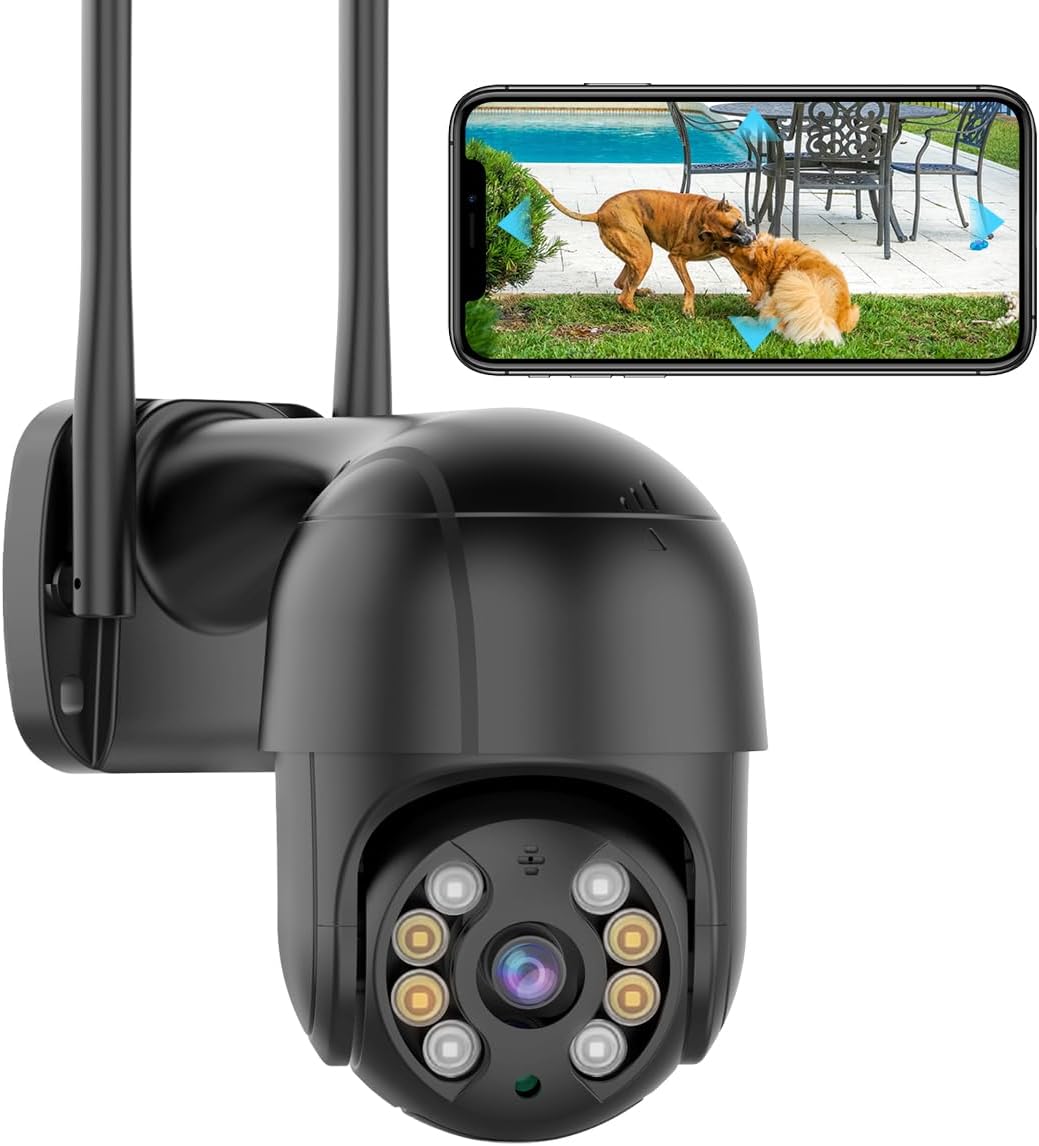
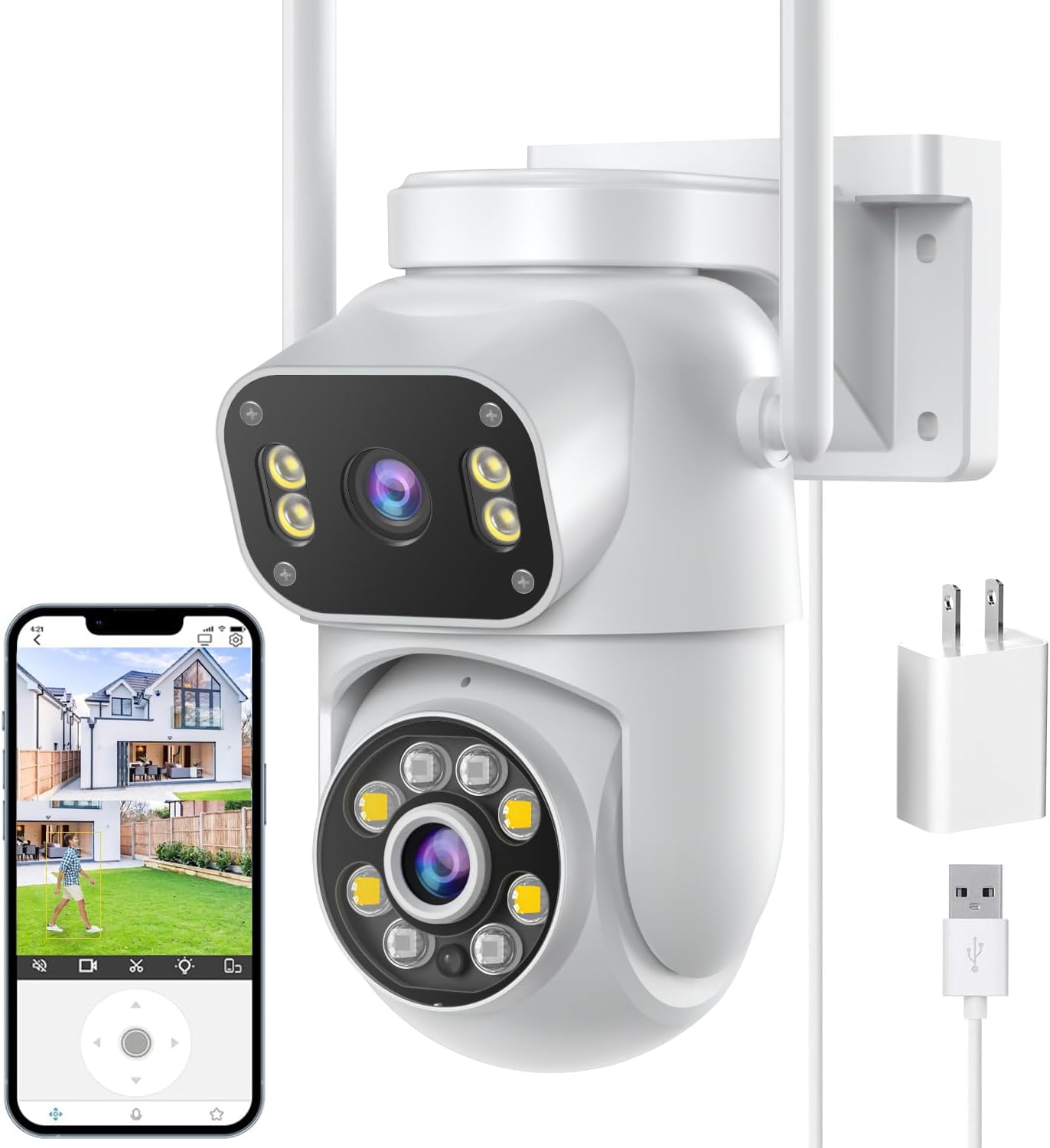
- 1080p (2MP) · 1 lens
- Pan & tilt from the app
- Runs on the iCSee app
An iCSee camera does not have to live only in the phone app. Its RTSP stream and ONVIF service let a Windows PC, a recorder or Home Assistant watch and record it on your own network.
Reviewed September 2026iCSee cameras run XiongMai firmware, whose RTSP address takes the form rtsp://IP:554/user=admin&password=PASS&channel=1&stream=0.sdp? for the main stream; change stream=0 to stream=1 for the lighter sub stream. ONVIF answers on port 8899 with the user name admin and the camera's device password. On Windows, open the stream in VLC or XM's VMS client.
Every stream request needs three things: the camera's IP address, the device password and the right path. On XiongMai firmware, which iCSee cameras run, the path packs the login into the address itself.
rtsp://192.168.1.50:554/user=admin&password=YOURPASS&channel=1&stream=0.sdp?
rtsp://192.168.1.50:554/user=admin&password=YOURPASS&channel=1&stream=1.sdp?The first line is the main stream at full resolution; the second is the sub stream, a small, low-bitrate picture for grids and motion detection. Replace the address and password with your own, and leave the password empty only if the camera still has none.
Finding the IP address is the step people skip. The router's list of connected devices shows it, and GESKS documents a route inside the app as well: its Nearby Cameras search, reached from the Add Device screen, displays the address.
If the camera has no device password yet, set one before sharing the address anywhere. The reset and password notes explain the difference between the app login and the device password.
| Port | Protocol | What uses it |
|---|---|---|
| 554 | RTSP | VLC, Home Assistant, Frigate, Blue Iris, NVRs |
| 8899 | ONVIF | ONVIF recorders, Home Assistant's ONVIF integration, iSpy |
| 34567 | XM media port | VMS on Windows and XM-made recorders |
| 80 | HTTP | Web page on models that offer one, such as PoE bullets |
| 1935 | RTMP | Stated by SDTNOVA for its dual-lens linkage PTZ |
Factory defaults on XiongMai firmware; a few makers change them, and many recent Wi-Fi models have no web page on port 80. Confirm with a port scan or the camera's network settings.
ONVIF is the open standard recorders use to find a camera, read its streams and drive pan and tilt. The iCSee camera ONVIF service answers on port 8899, not the port 80 many other brands use.
Makers name a long list of compatible software. The BESDERSEC A6 lists Blue Iris, iSpy, ZoneMinder, SecuritySpy and VLC; SDTNOVA adds tinyCam, IP Cam Viewer, QNAP and Synology for its dual-lens linkage PTZ.
Pan-tilt control over ONVIF works on most iCSee PTZ heads, but auto tracking and preset cruises stay tied to the camera's own settings. Set them up in the iCSee app first, and the recorder simply records what the head does.
Resolution is the other thing to match. An ONVIF recorder that tops out below the camera's resolution may refuse the main stream, so check the recorder's supported megapixels first.
BESDERSEC A6 1080p Pan-Tilt Camera |
SDTNOVA Dual-Lens Linkage PTZ Camera |
GESKS 4K Triple-Lens PTZ Camera |
HIKJBSET 5MP PoE Bullet Camera |
4K 8MP Dual-Lens PoE PTZ Camera |
4K PoE Bullet Camera, 4MP to 8MP | |
| Type | Pan-tilt camera | Multi-lens camera | Multi-lens camera | PoE camera | PoE camera | PoE camera |
| Resolution | 1080p (2MP) | 6MP (3MP + 3MP) | 8MP 4K | 5MP | 8MP (4MP + 4MP) | 4MP–8MP |
| Lenses | 1 lens | 2 lenses | 3 lenses | 1 lens | 2 lenses | 1 lens |
| Pan & tilt | Yes | Yes | Yes | No | Yes | No |
| Power | Plug-in adapter | Plug-in adapter | Plug-in adapter | PoE (one cable) | PoE (one cable) | PoE (one cable) |
| Wi-Fi | 2.4GHz | 2.4 + 5GHz | 2.4GHz | Wired only | Wired only | Wired only |
| Ethernet port | — | — | — | Yes | Yes | Yes |
| See this camera | See this camera | See this camera | See this camera | See this camera | See this camera |
There are three ways to set up an iCSee camera for Windows viewing, and which one works depends on the camera. The simplest needs nothing more than VLC and the RTSP address.
The browser route is the one that disappoints most often. The BESDERSEC A6 offers no web interface at all, by its own spec, which is common for recent Wi-Fi models. The HIKJBSET 5MP PoE bullet, by contrast, names web-browser viewing alongside the iCSee app and ONVIF recorders.
Where a web page exists, older ones may ask for a plugin that current browsers no longer run. VLC or VMS then gives a cleaner result than fighting the page.
The GESKS 4K triple-lens PTZ lists viewing through a PC or the phone app, and the 6MP 3-lens camera names a PC app for pairing by QR code. The phone app remains the place to change detection zones, schedules and the device password.
A 4K PoE bullet with H.265 encoding and a choice of 4MP, 5MP or 8MP versions, so the stream matches what the recorder can take. It opens in iCSee or XMEye as well.
See this cameraHome Assistant takes an iCSee camera in two ways, and both run locally without the iCSee cloud. The ONVIF integration is the tidier choice; the Generic Camera integration is the fallback.
Local streaming has a real privacy benefit. Once the camera feeds Home Assistant or a recorder, you can block its internet access at the router and keep the video inside the house, at the cost of iCSee push alerts and remote app viewing.
| Voice platform | What iCSee cameras offer |
|---|---|
| Alexa | Named by GESKS, siosaxdot and several other makers |
| Google Assistant | Named by the siosaxdot Q6; most iCSee cameras do not list it |
| Home Assistant | ONVIF or RTSP, no cloud needed |
iCSee camera Google Home support is rare, so check the box before counting on it. Home Assistant can expose its cameras to Google Assistant, which is a workable route for cameras that do not list Google themselves.
A network video recorder keeps weeks of footage on a hard drive and survives a stolen camera or a full microSD card. Most ONVIF recorders work as an iCSee camera NVR, and XM-made recorders add the cameras natively on their own platform.
PoE cameras make the tidiest recorder installs. The HIKJBSET 5MP bullet, the 4K bullet with H.265 and the dual-lens PoE PTZ each take power and video over one Ethernet cable, and the last two name both XMEye and iCSee.
Card sizes and loop recording for cameras without a recorder are on the SD card and storage page, and wired outdoor options on the outdoor camera page.
rtsp://IP:554/user=admin&password=PASS&channel=1&stream=0.sdp? for the main stream, and stream=1 for the sub stream. Some older firmware uses underscores in place of the ampersands.
Port 8899, with the user name admin and the camera's device password.
Open the RTSP address in VLC, or add the camera by IP address in XM's VMS client. Both need the PC on the same network as the camera.
Only some models, mostly wired PoE cameras, serve a web page. Many Wi-Fi models, including the BESDERSEC A6, state that they have no web interface.
Yes, through the ONVIF integration on port 8899 or a Generic Camera with the RTSP address. Both run locally without the iCSee cloud.
Most do not list it; the siosaxdot Q6 names Google Assistant, and several models list Alexa. Home Assistant can bridge cameras to Google Assistant.